Web & mobile apps Build · 3 of 3

Built around how you work, not the other way around.

Client portals, booking systems, dashboards, internal tools, marketplaces, and the mobile app your team or your customers carry around. Custom logic, your data, no licence fees, and AI where it genuinely helps.

Spec ticket No. 03
Runs on
your cloud account · Cloudflare, Supabase or Firebase
Reaches
any browser · iOS · Android
Typical build
8–16 weeks
After launch
care plan · or managed, when AI is in it

Fixed quote after scoping.

Made in Sydney
  • +37%

    conversion rate

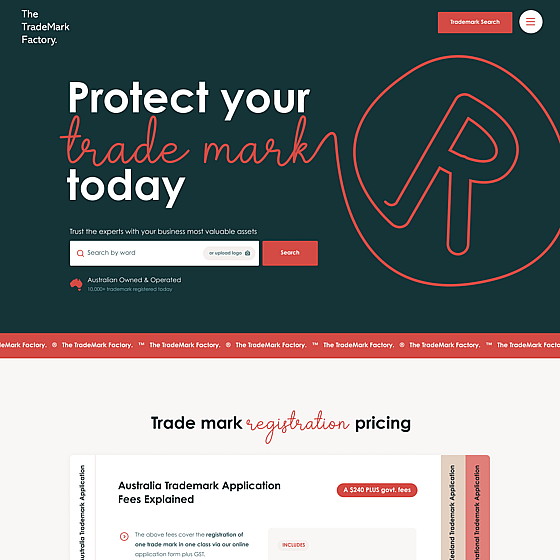
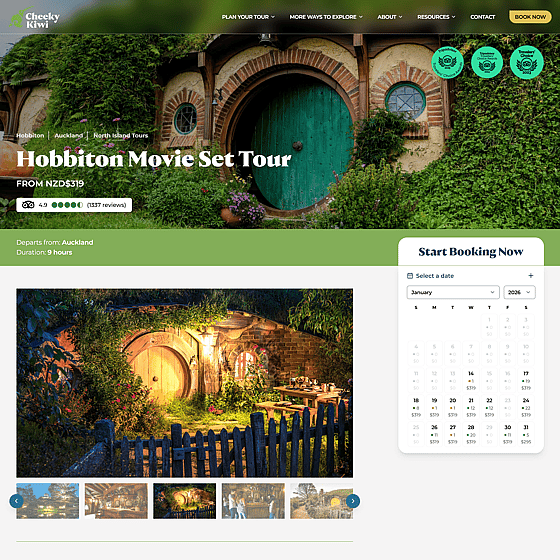
    Cheeky Kiwi Travel · booking platform, 10s to under 2s

  • 343

    makers on one portal

    POP Local · sales, payouts and product submissions

  • 30 days

    first commit to live phones

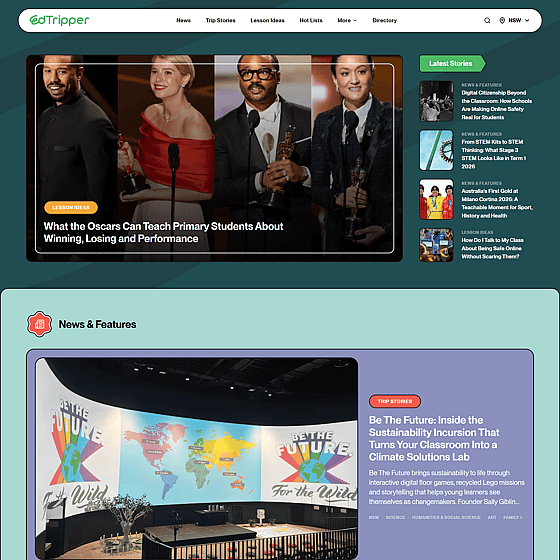
    Edtripper · kiosk app, venue CMS and fleet cockpit

  • 9 weeks

    first commit to a paid product

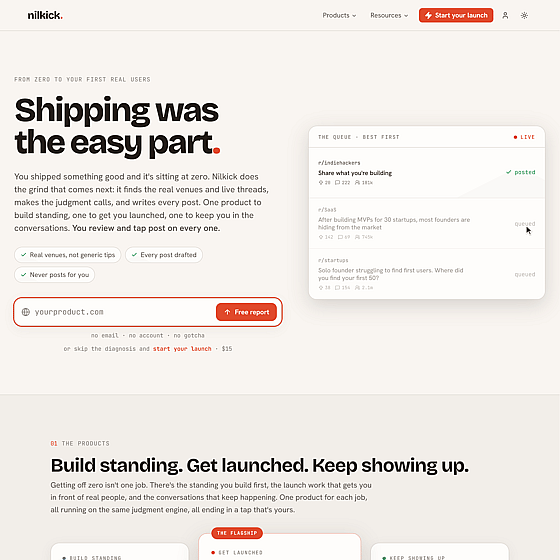
    Nilkick · our own launch engine, five Workers

  • 2021

    production systems since

    Fiducian · ASX-listed financial services

What's the Problem?

Off-the-shelf only gets you so far.

A few tools and workarounds work until they don't. Data ends up in five places, and the team spends its week moving it around. And when the work happens away from a desk (on a school excursion, in a warehouse, at a client's kitchen table), a browser tab isn't always the right tool either. At some point the cheapest option is the thing built for the way you actually work.

One or Both

Web apps, mobile apps, or both.

Some businesses need one, some need both. We build either, and when you need both they share one backend and one team.

01 any browser

Web app

You need this when the work happens at a desk or a phone browser is fine, you want it live fast, and nothing needs the device itself.

  • Runs in any browser. No install, one codebase, updates the moment we ship them.
  • Logins, roles and permissions. Every user sees exactly what they should.
  • Integrated with what you already run: accounting, CRM, calendars, payments, booking tools.
  • Installable to the home screen as a progressive web app when that's all the “app” you need.
  • Stack
  • SvelteKit
  • Supabase or Firebase
  • Stripe
  • Cloudflare

Running at: Cheeky Kiwi Travel (booking platform with an AI admin) · POP Local (maker portal and fortnightly payouts) · Edtripper (teacher directory and venue CMS) · Nilkick
02 iOS + Android

Mobile app

You need this when the work happens off a desk, you need camera, location, offline or push notifications, or the devices belong to your organisation.

  • iOS and Android from one codebase. Alongside a web app, they share logic and backend; on its own, it gets its own.
  • Distributed through the App Store and Google Play, or privately to managed devices through your MDM. No public listing needed.
  • Works offline when the signal doesn't, and syncs when it does.
  • Push notifications, camera, location, and sign-in with the accounts your team already has.
  • Stack
  • iOS + Android
  • one codebase
  • shared backend when paired with a web app

Running at: Edtripper: a kiosk-locked Android app on phones the venue owns, rolled out through MDM rather than the public stores. An update reaches every phone in under 90 seconds.

Side by Side

Web app and mobile app, compared.

Side by Side
Web app and mobile app, compared.
Compared onWeb appMobile app
Where it runsWeb app Any browser, desktop or phoneMobile app On the phone or tablet itself
Install and updatesWeb app None; updates are instantMobile app From a store or your MDM; updates ship as releases
Device featuresWeb app Camera and location, with limitsMobile app Camera, GPS, push notifications, biometrics, background sync
OfflineWeb app LimitedMobile app Built in
DistributionWeb app A linkMobile app Public stores, or private to devices your organisation manages
Best forWeb app Portals, dashboards, back office, bookings, anything done at a deskMobile app Field work, frontline staff, devices your organisation owns
Our verdict

Plenty of businesses only need one: portals and back office live happily in a browser, field work wants the phone. When you need both, they share one backend, so the second is an addition, not a rebuild.

Baked In

Whichever way, you get this.

  • Your data, your accounts.

    Hosted in your cloud account, Australian region by default. We don't sit between you and your data.

  • Roles and permissions.

    Staff, clients, partners and admins each see their own slice, with an audit trail of who did what.

  • Integrated, not isolated.

    Xero, HubSpot, Google and Microsoft calendars, Stripe, Rezdy, and the in-house system nobody wants to touch.

  • AI where it earns its place.

    Natural-language search over your data, drafted replies, documents read and checked, with a human approving what matters. If it doesn't earn its place, we say so.

  • Built for production.

    Monitoring, error tracking, backups and a staging environment. Your team tests on real data before anything goes live.

  • Yours to keep.

    Code in your repositories, no licence fees, documented handover. It keeps running if we're not around.

Fresh Out

Apps we've shipped.

Fresh Out
The Process

Scope. Design. Build. Launch.

  1. Step 1 · weeks 0–1

    Scope.

    One or two workshops with the people who'll use it, a written spec, a fixed quote. If the point is removing manual work, this step is the assessment.

  2. Step 2 · weeks 1–4

    Design.

    Flows first, then screens. You click through a prototype before we write the real thing.

  3. Step 3 · weeks 4–14

    Build in stages.

    Weekly releases to a staging URL, your team on real data, the mobile app alongside if it's in scope.

  4. Step 4 · week 14+

    Launch and after.

    Rollout, app-store or MDM release, monitoring, and 30 days of hypercare. Then a care plan, or the managed plan when AI is doing part of the work.

Price List

Ranges.

Price List
Web app
from $15,000 typically $20–45k
Mobile app iOS and Android; on top of a web app
from $10,000 typically $10–30k
Care plan or managed when AI is in it
from $250/month

What moves the price within those ranges:

  • number of user roles and integrations
  • approval and workflow complexity
  • whether AI components need human-review steps
  • web only, or web plus iOS and Android

Fixed quote after scoping. No calculator; the interesting variables are never on a form.

Fair Questions

Ask away.

Six things people ask before they book. Still one missing? Ask us.

Do you build mobile apps?

Yes. iOS and Android from one codebase, on their own or sharing a backend with your web app, released through the public stores or privately to managed devices through MDM. We'll also ask whether you need one: a web app installed to the home screen covers more cases than people expect.

Web app, mobile app, or both?

Web app if the work happens at a desk or a phone browser is fine. Mobile if it happens in the field, needs the camera, location, offline or push, or runs on devices your organisation manages. Both when your office and your field team look at the same data; they share one backend.

Can it connect to our existing systems?

Yes. Integration, not replacement, is the default: accounting, CRM, calendars, payments, booking tools, and whatever in-house system you already run. If it has an API we'll use it. If it doesn't, we've dealt with worse.

Who owns it, and are there licence fees?

You own it: code in your repositories, hosting in your accounts. No per-seat fees, no per-task fees. Leave any time.

How do we know it will keep working?

Monitoring and error tracking from day one, a staging environment for every change, backups, and 30 days of hypercare after launch. After that, a care plan for small changes or the managed plan when AI is part of the system.

Is this the same as your AI Automation work?

They overlap. If you need software built around how you work, you're on the right page. If the point is to stop doing a process by hand, start with the assessment on the AI Automation page; most of those builds ship with an app like this on top.

Also on the menu